
In the fast-paced world of PUBG Mobile, mastering controls can mean the difference between chicken dinner and an early exit. With a battlefield filled with opponents and chaos, having the right grip on those virtual buttons is crucial. Whether you’re a seasoned veteran or a newbie trying to figure out which button does what, understanding the controls can turn you into a mobile gaming maestro.
Imagine jumping into a match, confidently maneuvering your character like a pro while your friends are still figuring out how to reload. With the right insights into PUBG Mobile controls, you’ll not only survive but thrive. So buckle up, because this guide is about to transform your gameplay from “Oops, I did it again” to “I’m the last one standing!” Get ready to unleash your inner champion and dominate the battlefield like never before.
Overview of PUBG Mobile Controls
Mastering PUBG Mobile controls is crucial for players aiming to excel in the game. Understanding the virtual buttons leads to enhanced performance and a better gaming experience.
Default Control Layout
PUBG Mobile’s default control layout includes a virtual joystick for movement and buttons for actions like shooting, jumping, and crouching. Players access navigation options on the left side of the screen and action buttons on the right. Specific buttons include the fire button, weapon selection, and prone toggle. The layout prioritizes accessibility, ensuring that players can respond quickly during intense gameplay situations. Familiarity with the default layout allows players to engage seamlessly with the game’s mechanics.
Customizable Control Options
Customization options enable players to tailor controls to their preferences. They can adjust button sizes, layouts, and positions based on personal comfort or style of play. Those looking for an edge can create a setup that enhances reaction time and manual dexterity. The customizable settings allow different control schemes, catering to diverse gaming preferences and playstyles. Players must explore these options to find arrangements that best suit their needs, ultimately boosting in-game effectiveness.
Touch Controls vs. Gamepad Controls

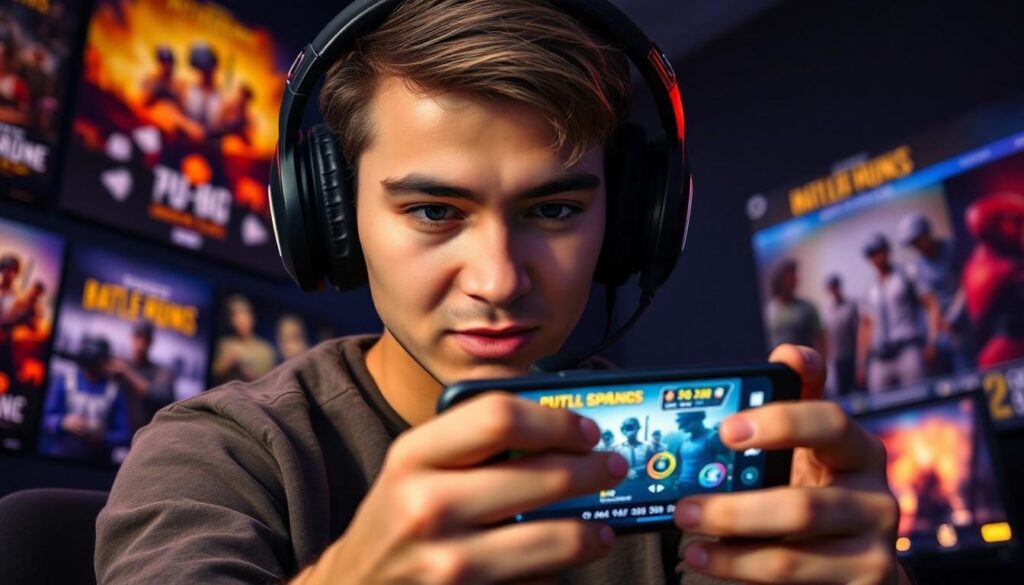
PUBG Mobile offers players two primary control schemes: touch controls and gamepad controls. Each has its distinct advantages, catering to different player preferences.
Advantages of Touch Controls
Touch controls provide accessibility and ease of use. Players can instantly engage without needing additional hardware. Flexibility is another benefit, as they can customize button sizes and positions, creating a setup that aligns with individual play styles. Quick reflexes thrive with touch controls; seamless finger movement allows for faster interactions during gameplay. Furthermore, touch controls enable smooth aiming and shooting mechanics, enhancing overall precision and response time.
Advantages of Gamepad Controls
Gamepad controls deliver superior ergonomics, reducing strain during extended gaming sessions. Players enjoy tactile feedback through physical buttons, resulting in a more satisfying experience. Precise thumb movements simplify aiming and shooting, making it easier to respond to threats. Gamepads often support analog sticks, providing enhanced movement control that can lead to better positioning during battles. Additionally, many gamepads come with programmable buttons, allowing for custom commands that streamline gameplay.
Tips for Optimizing Your Controls
Optimizing controls enhances gameplay in PUBG Mobile. Effective adjustments can lead to better performance and more enjoyable gaming sessions.
Sensitivity Settings
Sensitivity settings play a crucial role in how players control their movements and aim. Adjusting the sensitivity for firearms can improve aiming precision, leading to better targeting during encounters. A player may test different sensitivity levels for different actions, such as aiming or looking around, to find the sweet spot that works best. Higher sensitivity can benefit those who prefer rapid movements, while lower sensitivity may suit players who favor accuracy. Regularly tweaking these settings based on personal play style ensures optimal control and reaction during battles.
Layout Configuration
Layout configuration significantly impacts a player’s interaction with the game. Customizing the button layout allows for quicker access to essential controls, improving responsiveness during critical moments. Players can swap button positions or resize them to suit their touch preferences. Experimenting with configurations can lead to discovering the ideal setup that feels natural. Positioning action buttons closer to thumbs often increases efficiency when executing complex maneuvers. By continually refining the layout, players can boost their confidence and enhance their effectiveness on the battlefield.
Troubleshooting Common Control Issues
Players may encounter various control issues while playing PUBG Mobile. Addressing these problems quickly improves gameplay experience and enhances performance.
Connection Problems
Connection issues often disrupt gameplay and lead to control responsiveness concerns. Players should check their internet connections before starting matches. A stable Wi-Fi or mobile data connection is crucial for smooth gaming. Switching between networks may resolve connectivity issues. Restarting the game can also refresh the connection and restore functionality. Players experiencing persistent problems may need to consider using a VPN or contacting their service provider for further assistance.
Calibration Settings
Calibration settings directly impact control accuracy and responsiveness. Accessing the settings menu allows players to fine-tune controls to personal preferences. Adjusting sensitivity levels can significantly enhance aiming precision. Players should experiment with these settings to find an optimal balance that suits their style. Regularly revisiting calibration options helps maintain preferred configurations as skills develop. Adjusting layout positions can also improve comfort and access during intense gameplay.
Conclusion
Mastering controls in PUBG Mobile is crucial for any player aiming to excel in the game. By understanding the various control options and customizing them to fit personal preferences, players can significantly enhance their performance. Whether opting for touch controls or gamepad setups, each choice offers unique advantages that cater to different play styles.
Fine-tuning sensitivity settings and button layouts ensures players can respond quickly and accurately during intense moments. Regularly revisiting and adjusting these configurations can lead to improved gameplay and greater confidence on the battlefield. Embracing these strategies transforms the gaming experience, allowing players to thrive in the competitive world of PUBG Mobile.